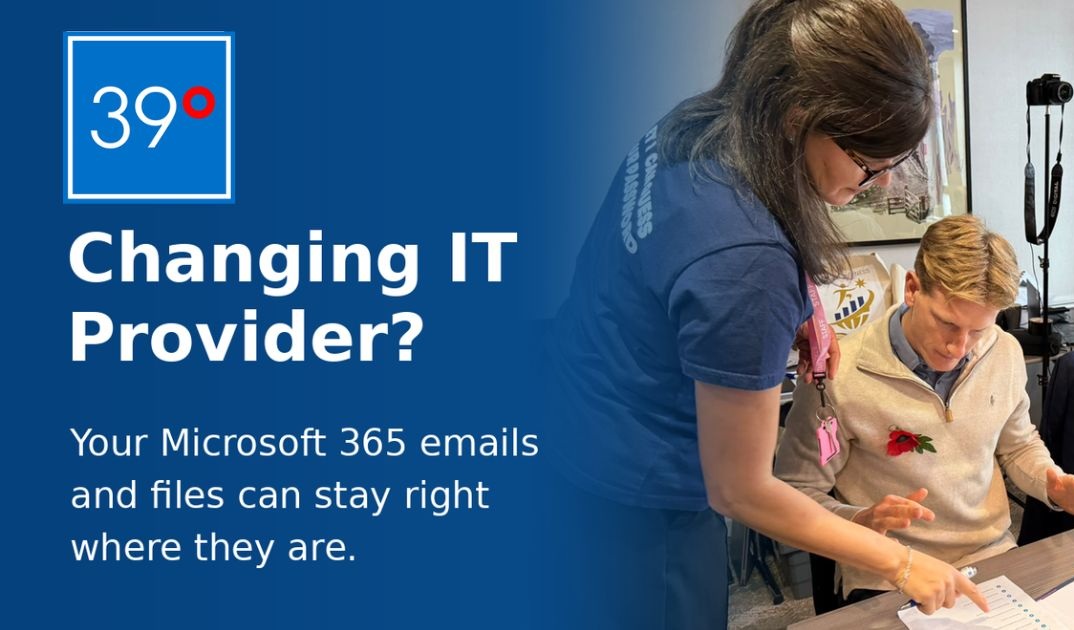
Worried that switching IT providers means losing emails, moving files or disrupting your business? Here's the good news. In most cases, it doesn't.
Many businesses stay with an IT provider longer than they want to because they're worried about what might happen to their Microsoft 365 accounts, emails, documents and Teams.
But changing the company that looks after your IT doesn't usually mean changing the Microsoft 365 environment your business relies on.
At 39D, our approach is simple. Keep what works, protect your data and make the transition as straightforward as possible.
Think of Microsoft 365 as your business's digital office.
It's where your emails, calendars, documents, Teams conversations and shared files live.
Your IT provider may manage that environment, but that doesn't mean everything needs to be moved when you switch providers.
In most cases, 39D can take over the management of your existing Microsoft 365 tenant without migrating your data to a new one.
Same emails. Same files. Same Microsoft 365 environment. Just a different team looking after it.
When your existing Microsoft 365 tenant is retained, your business can normally keep:
Rather than moving everything unnecessarily, we review your current setup and establish the appropriate access to manage it securely.
That means less disruption and fewer changes for your team.
In many cases, very little changes for employees.
They can usually continue using their existing email addresses, Microsoft 365 accounts and documents as normal.
Occasionally, someone may need to sign in again or follow updated security instructions.
Where action is needed, we explain what to expect.
Changing IT support shouldn't mean starting your digital workplace from scratch.
This is something every business owner should know.
Your business should have appropriate control over its Microsoft 365 environment, regardless of which IT company provides support.
When 39D takes over management, we review who currently has administrator access, whether your business has suitable emergency access arrangements, what permissions your previous IT provider holds and whether your Microsoft 365 security settings are appropriate.
We then establish the access needed to support your business and coordinate the safe removal of access that is no longer required.
The aim is to ensure your business retains control of its own systems.
Your Microsoft 365 licences and your IT support arrangements are not necessarily the same thing.
Some licences may be supplied through your existing provider, and transferring subscriptions can depend on your agreement and Microsoft's licensing rules.
Before recommending changes, 39D reviews your existing arrangements so you understand your options.
Yes, but not every business needs to.
A new Microsoft 365 tenant may be appropriate if you're separating from another company, combining multiple organisations or dealing with an unsuitable shared environment.
These situations need additional planning.
For a straightforward change of IT support provider, however, retaining your existing tenant is often the most practical option.
If you're unhappy with your current IT support but worried about disrupting your business, you may have more options than you realise.
At 39D, we can review your Microsoft 365 setup, explain how a handover could work and help you understand what would actually need to change.
You don't necessarily need to move your emails, files or Teams to move to better IT support.
Ready to find out where you stand?
Speak to the 39D team or call 01279 800 039.